CREATE ANIMATION FOR YOUR TRANSIENT SIMULATION
Introduction
Do you need to create animations for best illustration of the transient results from the time-dependent simulations you are running? In such simulations, it is common that you may generate hundreds or even thousands of plots, images or graphs at different time steps. You may find it so tedious to create an animation by merging thousands of images into one video clip or animated GIF file in third-party software. Worse still, you may have to repeat the process to achieve the best visualization animation. If that is hampering you from working effectively, you can consider using the “convert” tool in the HPC cluster.
Animation Tool – convert

The “convert” tool is provided by ImageMagick package on CentOS, which is the operating system for the HPC clusters. Using this command, you can create the animated GIF file by merging thousands of images in a few seconds just by entering the following sample command:
Sample 1:
Create an animated gif (test1.gif) by merging all the jpg files with an interval of 1 second and keeping the original image resolution:
# /usr/bin/convert -delay 100 *.jpg test1.gif
Sample 2:
Create an animated gif (test2.gif) by merging all the png files with an interval of 0.3 seconds and resizing the image resolution to 400×300 pixels:
# /usr/bin/convert -delay 30 -resize 400x300 *.png test2.gif
Of course, you can input many other options in “convert” tool. To find out these options, please search “linux convert gif” in Google or your favorite search engine.
Showcase Examples
HPC users used the convert tool to visualize their transient simulations via animated GIF to create the following three showcase examples:
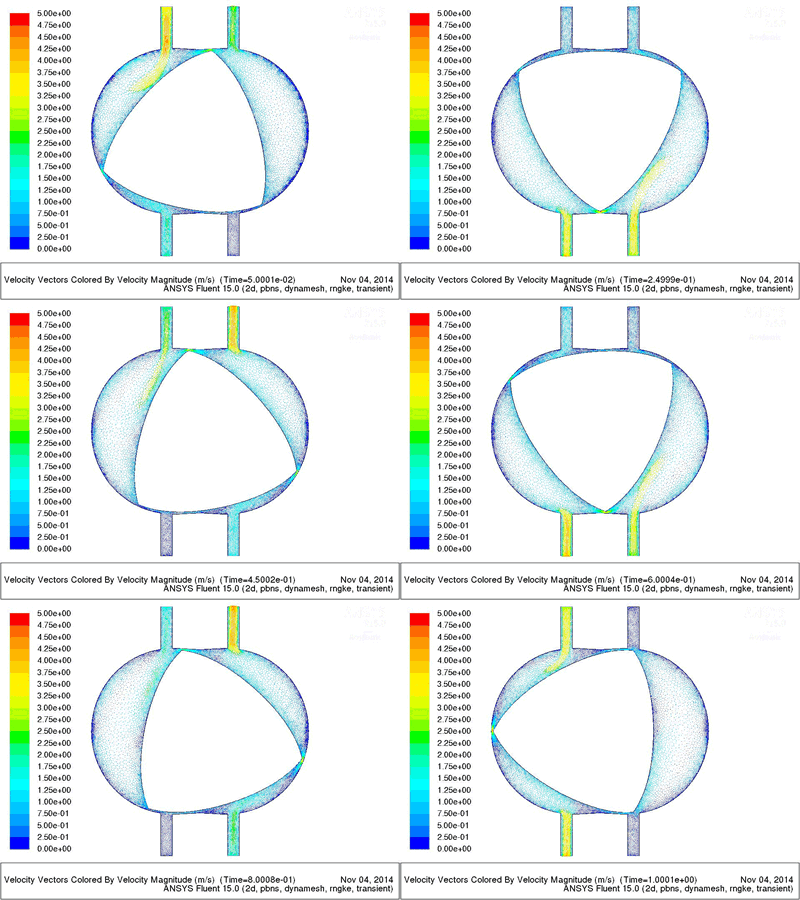
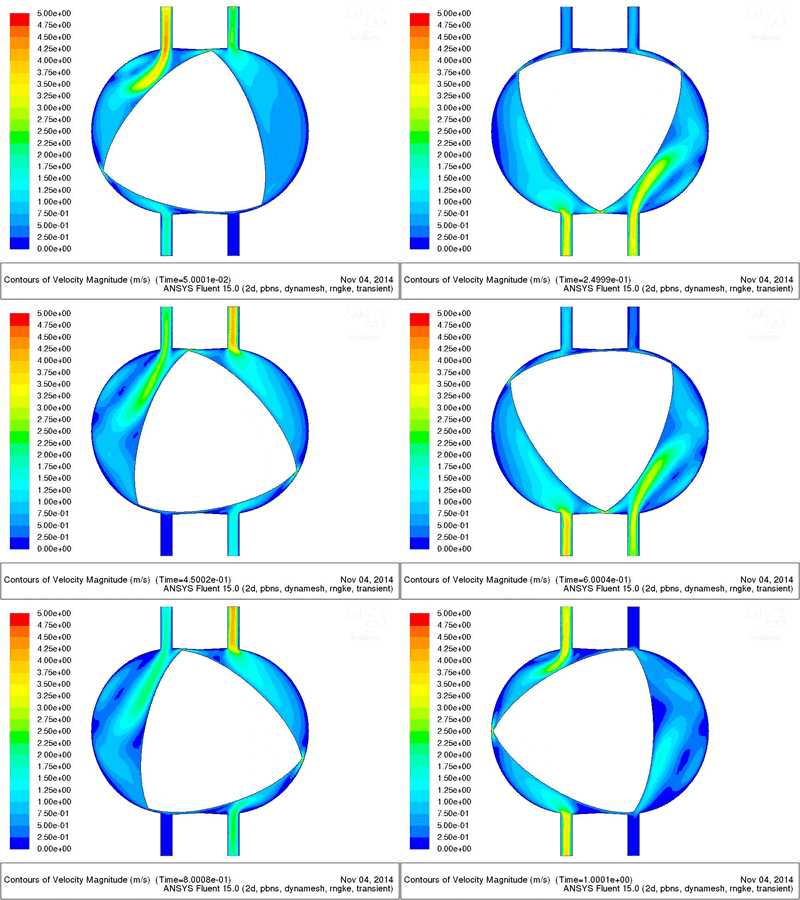
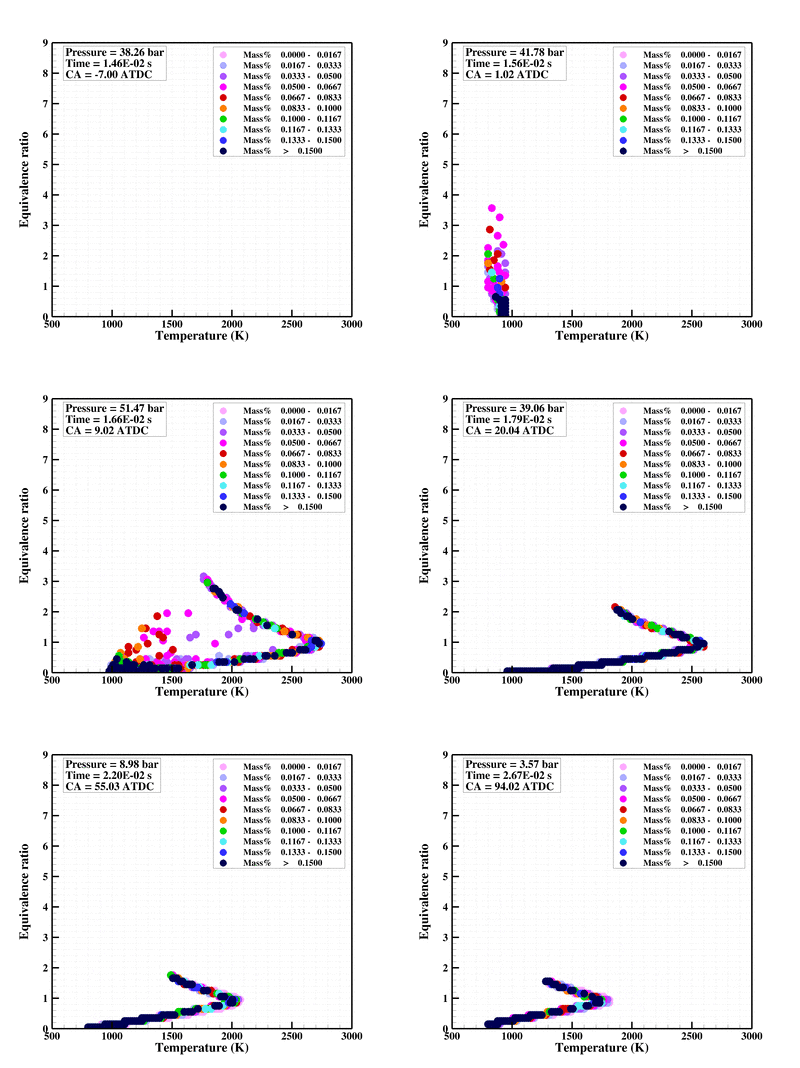
Example 1, Study on a gasoline/biodiesel fueled reactivity controlled compression ignition engine, by Li Jing
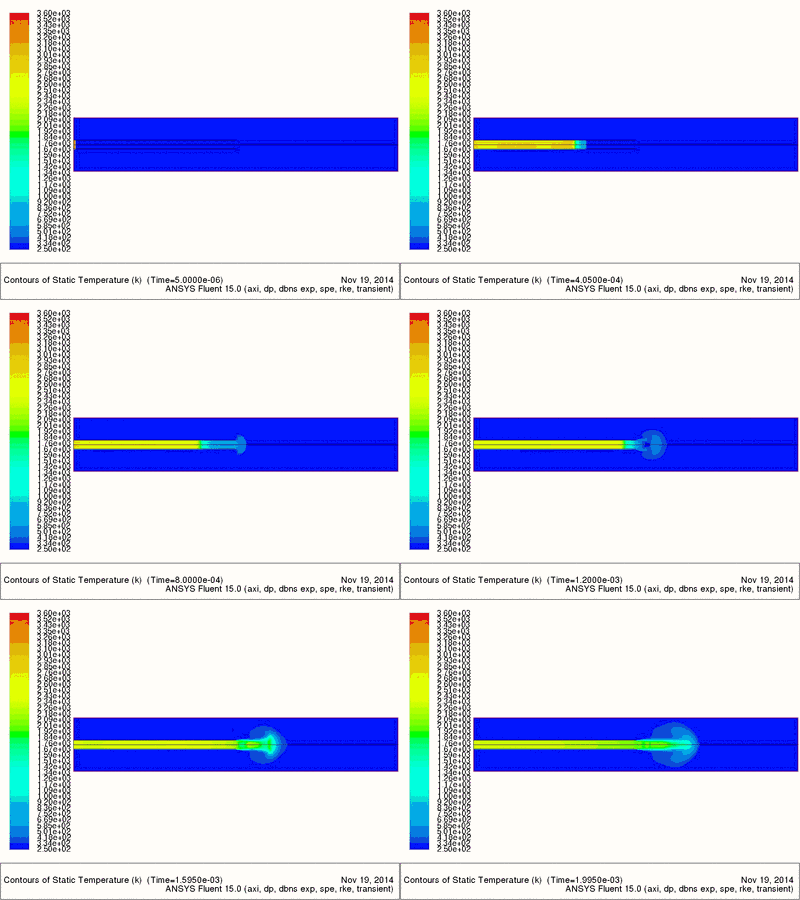
Example 2, Investigation of partially fuel-filled pulse detonation engine, by Tan Wei Hong
Example 3, Study of a Wankel rotary pump, by Luo Wei